 JomLatih

Booking
A gym booking system that runs on your own website
Members book a class, a drop-in or a trial on your site, not in a direct message. The booking takes the credit off the pass, and a cancelled place goes to the first person waiting.
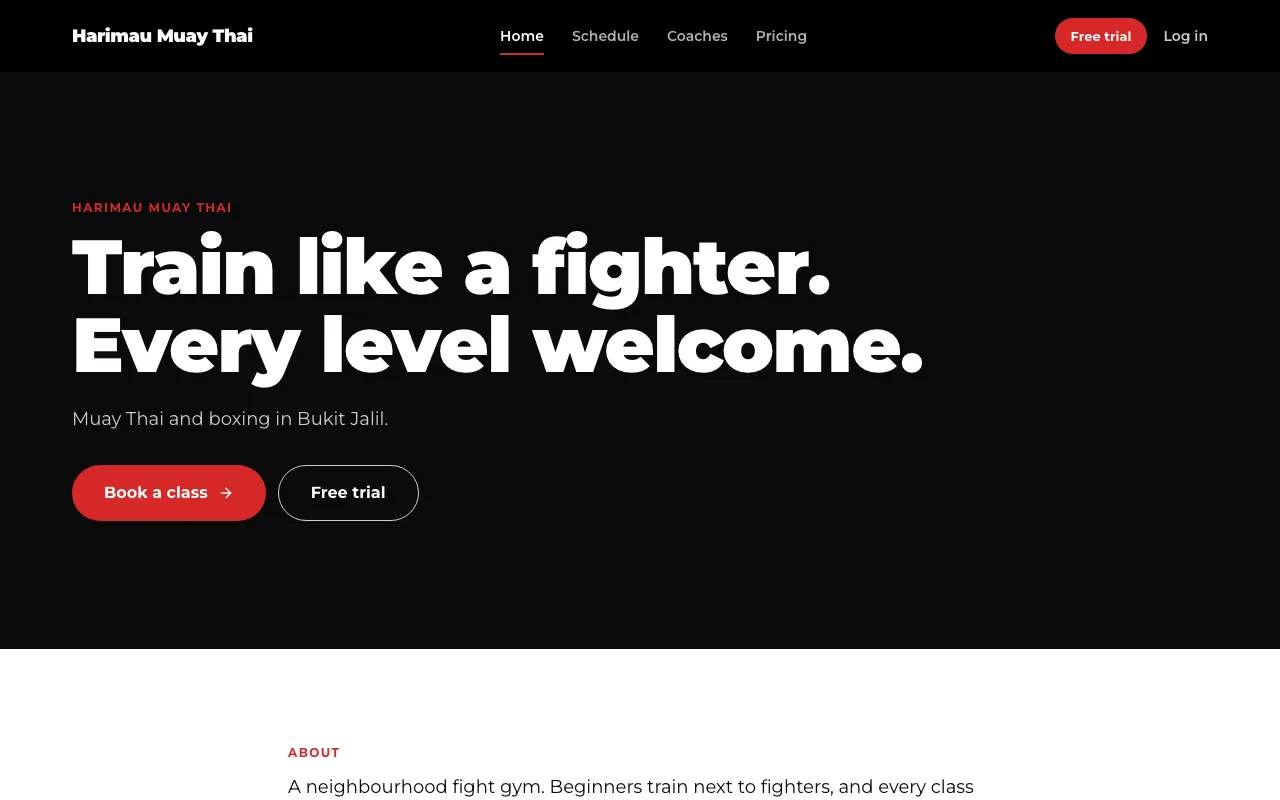
Booking that belongs to the gym, not to an app store
Most booking tools ask a member to install something. A combat gym's members train two or three times a week and will not keep an app for it, so the booking lives in the browser on the phone they already have. The member signs in with a one-time code sent to their email: no password to forget, no app to update.
The same page carries the timetable, the passes and the member's own account, so a question at the front desk is usually answered before it is asked.
- Book a class, a drop-in or a free trial on the gym's own site
- The booking deducts the pass credit, so nothing is crossed off a list afterwards
- A full class offers the waitlist, and the first person waiting moves in on a cancellation
- Members cancel from the same page, inside the window you set
The rules are settings, not promises
How far ahead a class opens, how late a member can cancel, and how many people fit on the mat are gym settings. They apply to everyone, so the front desk is not asked to make an exception at 7pm on a Tuesday.
Capacity can be a gym default and a different number for the class where the mat is smaller. A pass can cover every class or one class type only, which stops a boxing pack being spent on the grappling class.
What happens when plans change
National public holidays are in the calendar before you start. For each one you decide whether the gym closes or only some classes run. Closing a day cancels its bookings and returns the credits, and the list of affected members is there for you to see rather than to reconstruct from memory.
That is the part a paper book cannot do: a closure that is recorded once, applied everywhere, and reversible in the same place.
Who sees what
The front desk works from the day's roster: check in, mark a no-show, add a walk-in who turned up without booking, and see who is still waiting. A coach sees only the classes they teach.
Owners and managers see the whole day across outlets, and staff can be limited to one outlet. Four roles cover the usual shape of a combat gym, and staff logins are unlimited on every plan.
What it does not do yet
Booking is live. The list below is on the roadmap and is not sold as available, because a booking page that promised it would be wrong.
- Online payment at the moment of booking, into your gym's own account
- Personal training booking with coach availability, and PT packs
- Member invoices and renewals
- An embed widget for a website you already have
- Owner reports on attendance and revenue
Plans from RM99 a month. The free trial is 30 days on Studio, no card. Every plan and limit.
Questions gym owners ask
More answers on the full FAQ.
Do members need to download an app to book?
No. They book in the browser on their phone and sign in with a one-time code sent to their email. There is no password and no app to install.
What happens when a booked member cancels?
The first person on the waitlist moves into the class automatically, and the roster shows who is booked, who is waiting and who has checked in.
Can someone book a drop-in without a membership?
Yes. A day pass or a drop-in is a pass like any other, so a visitor books and the credit comes off that pass.
Can bookings be limited to members only?
Booking happens on your gym's site with the passes you sell, so only someone holding a pass can book a class that needs one. Trial requests are a separate form and do not need an account.
Put the booking page on your own site
Start a free trial, or book a demo and we will load your timetable first.